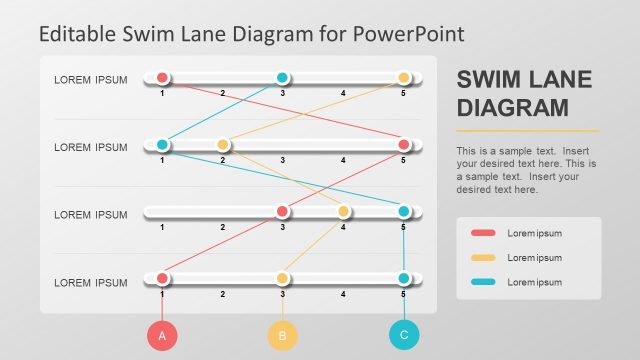
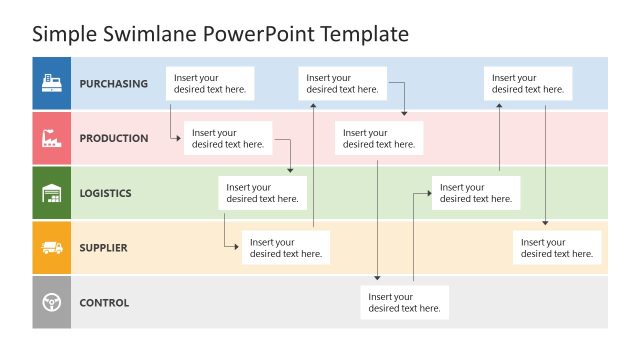
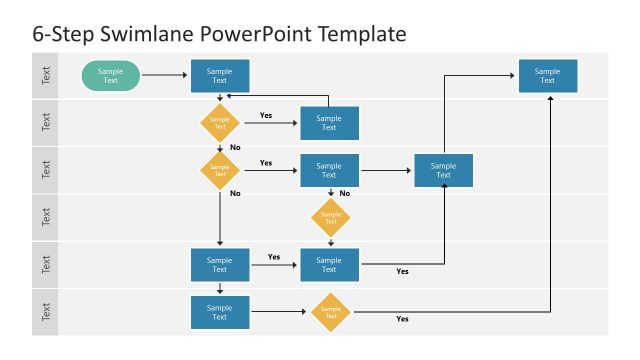
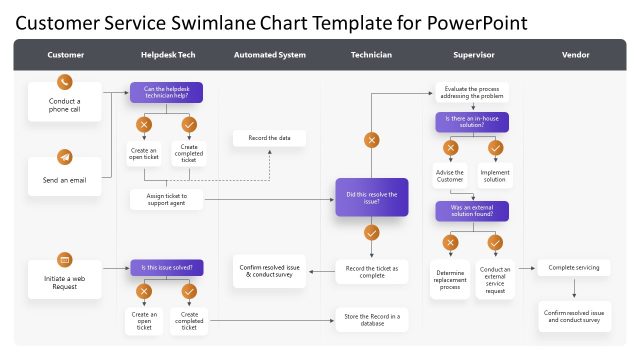
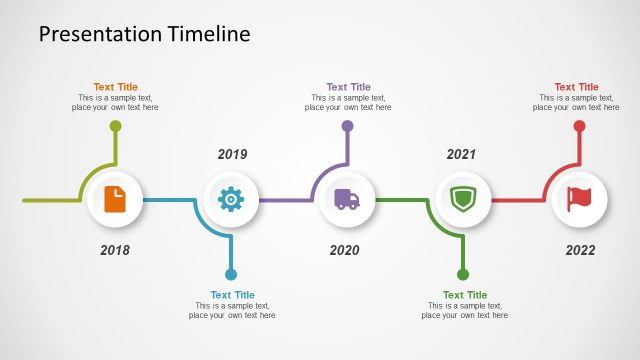
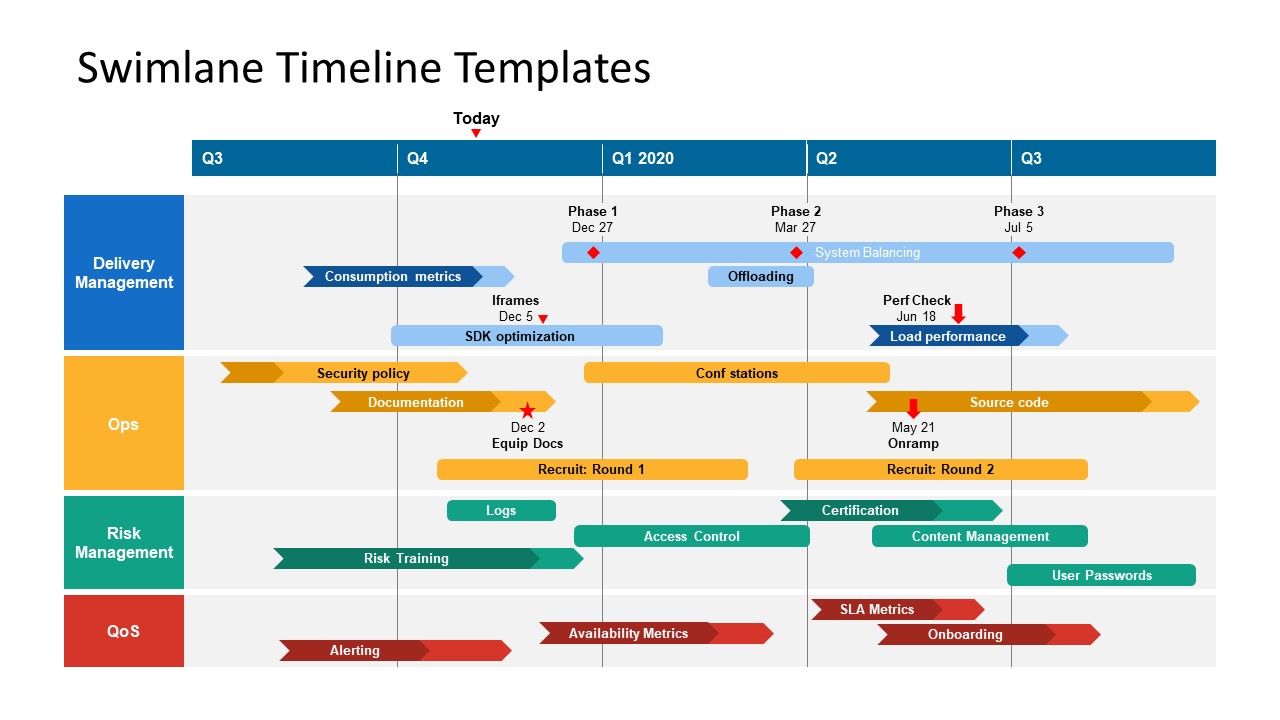
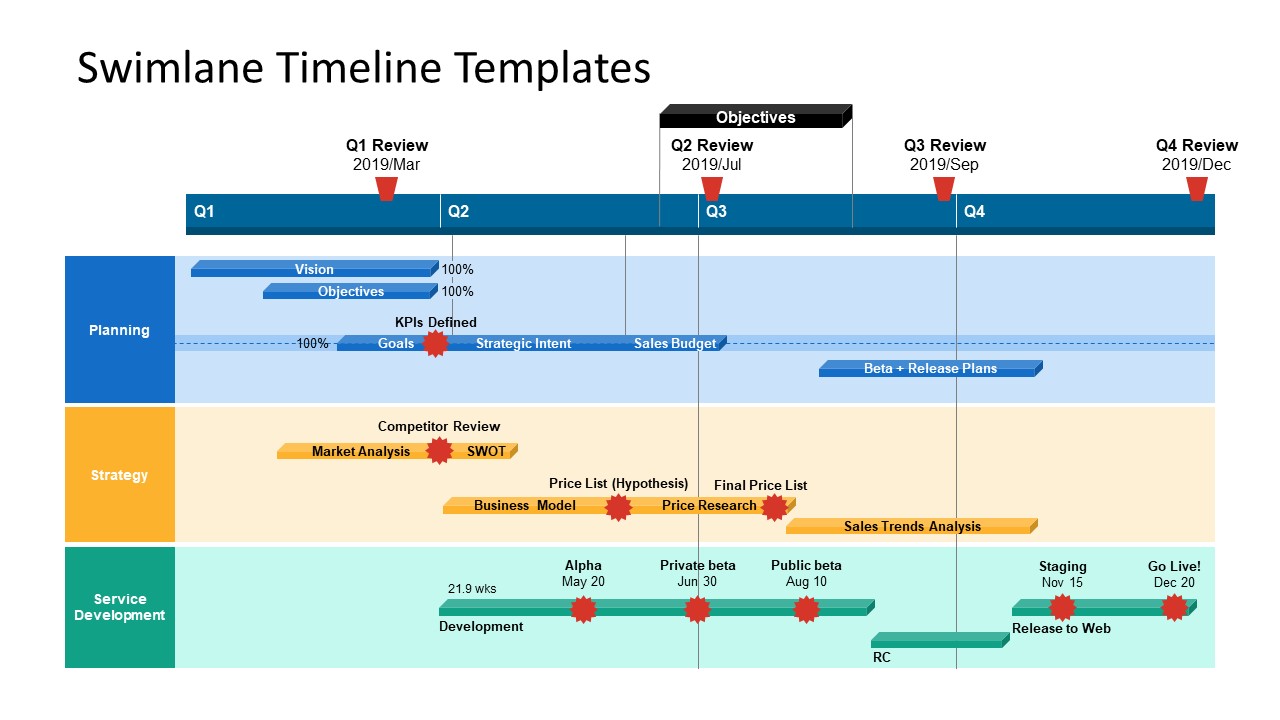
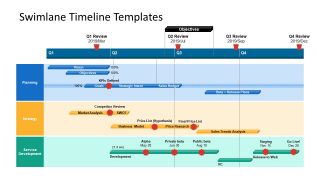
The Swimlane Timeline Templates is a project management PowerPoint diagram. The chart shows different project activities across timeline. Parallel processes on workstreams provide an overview of progress in comprehensive roadmap template. It is an operational diagram format to communicate status of project activities in a single slide template. Because it breaks down activities into different sections based on development phases, allocated resources, and sub-projects. The swimlane flowchart, therefore, enables team to assess over allocation or free resources. Hence, they can optimize the complicated system by mapping all resources effectively. You can use it to communicate business activities on PowerPoint online or Google Slides Themes.
PowerPoint templates of Swimlane timeline include two design versions of roadmap charts. These charts display 4 phases of project and 5 columns for yearly quarters. The existing phases of swimlane timeline show delivery management, Operations, risk management, and Quality of service. However, these phases could be changed according to project or product roadmap. The colorful components of timeline will help identify process types and stages during project lifecycle. This timeline template also contain PowerPoint shapes as progress indicators of each activity.
The Swimlane Timeline Templates presents a high-level roadmap giving essential information on single slide. It is a sophisticated diagram design to demonstrate tasks, milestones, roles, activities, and resources altogether. This PowerPoint swimlane template will make it easier to showcase project progress roadmap to clients or executives. Also, check out our tutorial on how to create a timeline in PowerPoint and Google Slides.
What’s inside this template
Example presentation scenarios
- A project manager can brief executives on status by using the four-lane quarterly timeline to connect delivery, operations, risk, and service quality activities to specific milestones.
- A product owner can present a release roadmap by placing planning objectives, strategy work, and service development tasks on the Q1 to Q4 swimlane layout.
- An operations leader can review resource conflicts by comparing task bars across lanes and identifying where concurrent activities overlap in the same quarter.
- A program manager can align teams before a steering committee meeting by using the milestone dots, review labels, and Today marker to show progress and next decisions.
Features
- 100% editable presentation template
- Compatible with Microsoft PowerPoint and Google Slides
- 16:9 aspect ratio slides
- Scalable vector shapes, icons and illustrations
- AI-Ready for Microsoft Copilot and Claude
- Instant access and download
Frequently asked questions
Q: How should a presenter explain a swimlane timeline without overwhelming the audience?
A: Start with the time axis, then explain what each lane represents before discussing task bars. On these slides, the lane labels define workstreams, while the milestone dots and review markers show decision points. Move left to right, and call out only the overlaps or delays that matter to the audience.
Q: Who is this template best suited for in a business presentation?
A: This template fits project managers, product managers, and operations leads who need to summarize parallel activity across teams. It is strongest when the audience needs a one-page roadmap view, such as an executive update, release planning session, steering committee review, or cross-functional coordination meeting.
Q: Why does the swimlane format work well for roadmap communication?
A: The swimlane metaphor separates workstreams into horizontal bands, so the audience can compare timing without reading a dense task list. Colored task bars show duration, milestone dots mark important events, and quarter headers keep the discussion anchored in time. This makes dependencies and parallel work easier to see.
Swimlane Timeline Templates
2-slide presentation template for swimlane timelines, project roadmap lanes, and milestone planning
Swimlane Timeline Templates is a 2-slide project planning deck for Microsoft PowerPoint and Google Slides. It shows editable quarterly swimlane roadmaps, multi-phase project timelines, milestone markers, and lane-based workstream bands. Project managers, product owners, and operations teams can present activities, dependencies, deadlines, and ownership across parallel workstreams.
- Category
- Timelines & Planning
- Rating


 Loading...
- Aspect ratio
- 16:9
- Item ID
- 13173-01
- Colors
 Microsoft PowerPoint
  Microsoft Copilot
  Claude for PowerPoint
 Other formats supported
Subscribe today and get immediate
access to download our PowerPoint templates.